Overview
Reelkit is a CLI and skill for coding agents: Claude Code, Codex, Cursor, and Gemini CLI. You give the agent an idea and a few files, and it plans the video and builds it in Remotion. Reelkit brings the rest: voiceover, images, short clips, sound, and background removal. Install with one command. Rendering runs on your computer.
The challenge
A coding agent can write a Remotion composition. That is the easy part. A video also needs a script, voiceover, images, and sound, and someone to check that the frames actually look good. Without a structured process, cut-off text and empty frames only show up after the render.
The solution
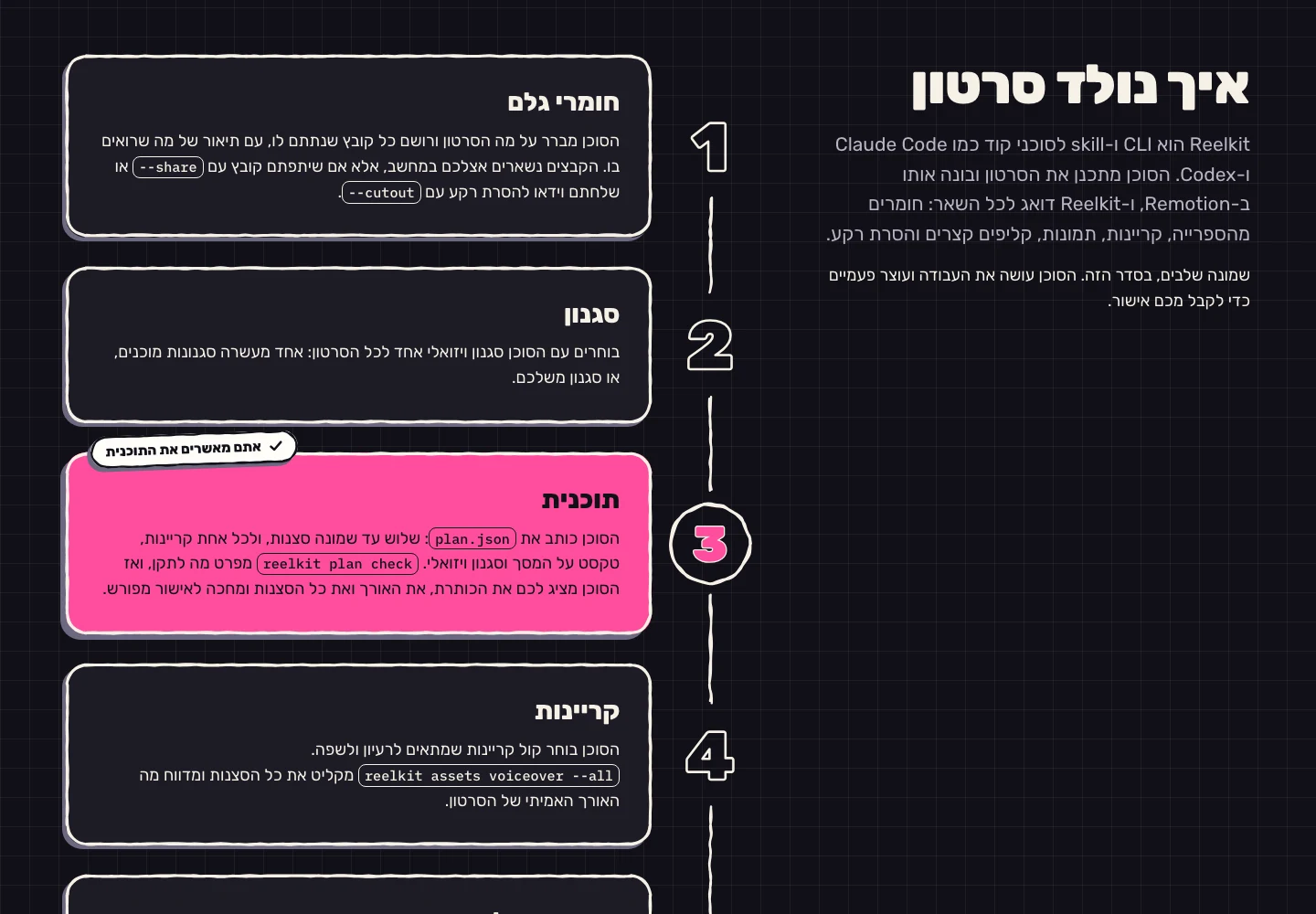
The agent gets a process, not just tools. Eight steps in a fixed order: source materials, style, plan, voiceover, images and clips, composition, preview, and render. The plan is written to plan.json, three to eight scenes, and reelkit plan check says exactly what to fix. Before generating a new image, the agent searches the shared library. Before rendering, reelkit preview pulls two frames from each scene. And twice along the way the agent stops and waits for your approval: once on the plan, once on the frames.
Results
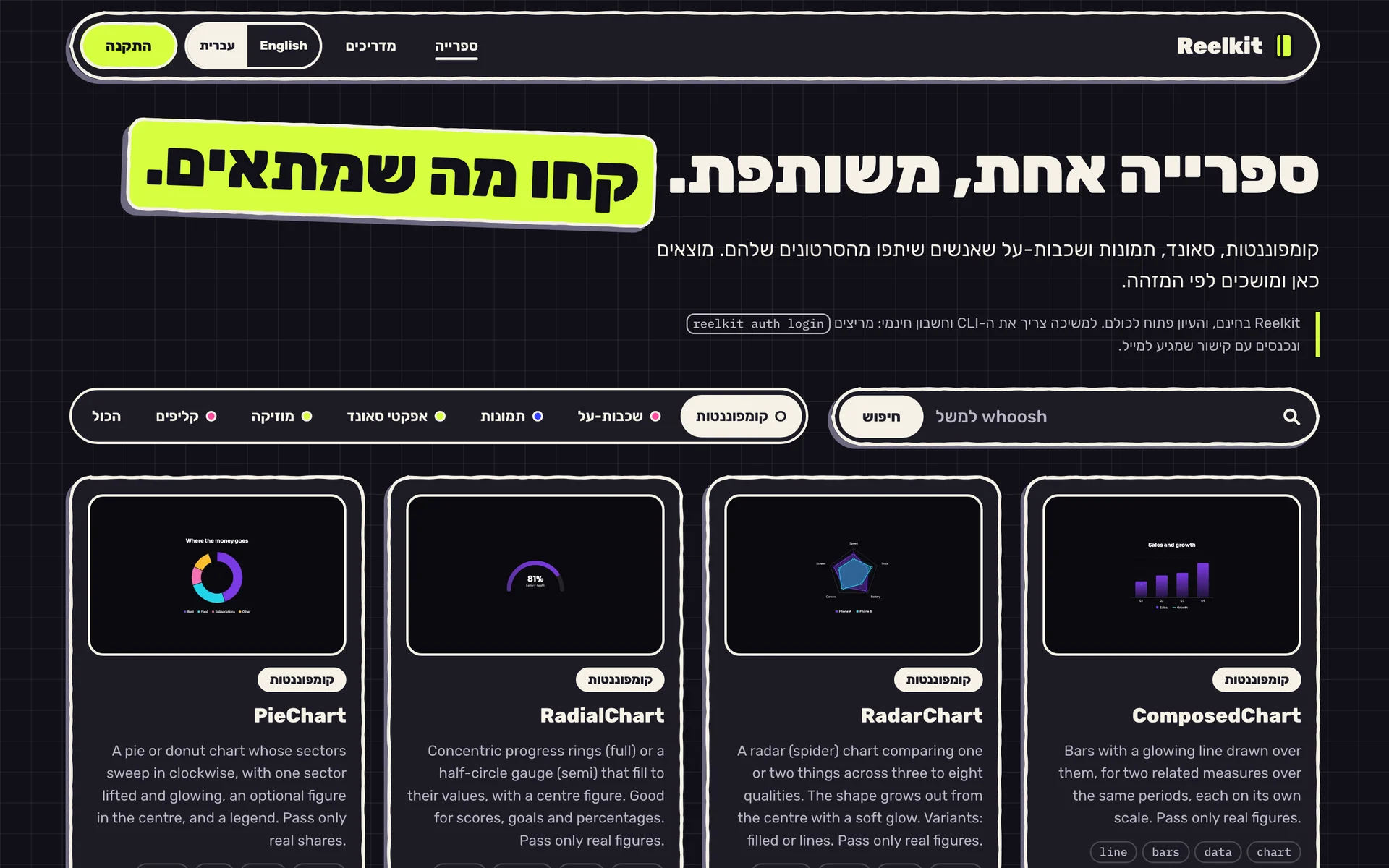
You go in with an idea and a few screenshots. You come out with out/video.mp4. No editing experience, and no assets prepared in advance. Reelkit is free, and browsing the library is open to everyone. The files, the plan, and the video stay on your computer, unless you chose to share them.